An answer to power tariffs
You can offer customers help keeping hourly average power under a chosen limit and reducing the risk of high power peaks.

Power control
With power control in your own app, customers can set a limit for hourly average power and get help keeping it. You get a service to offer when power peaks and power tariffs become a bigger issue for customers.
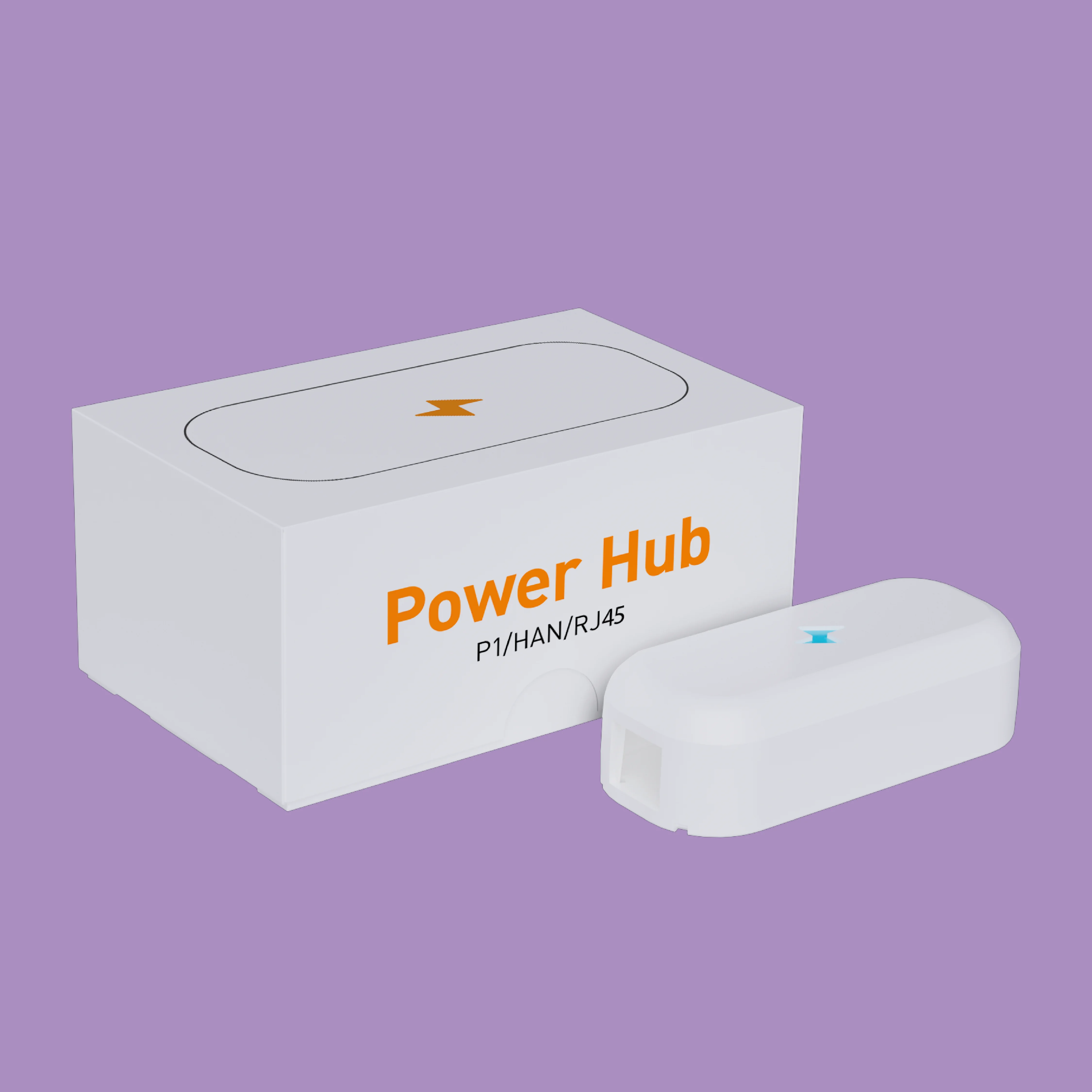
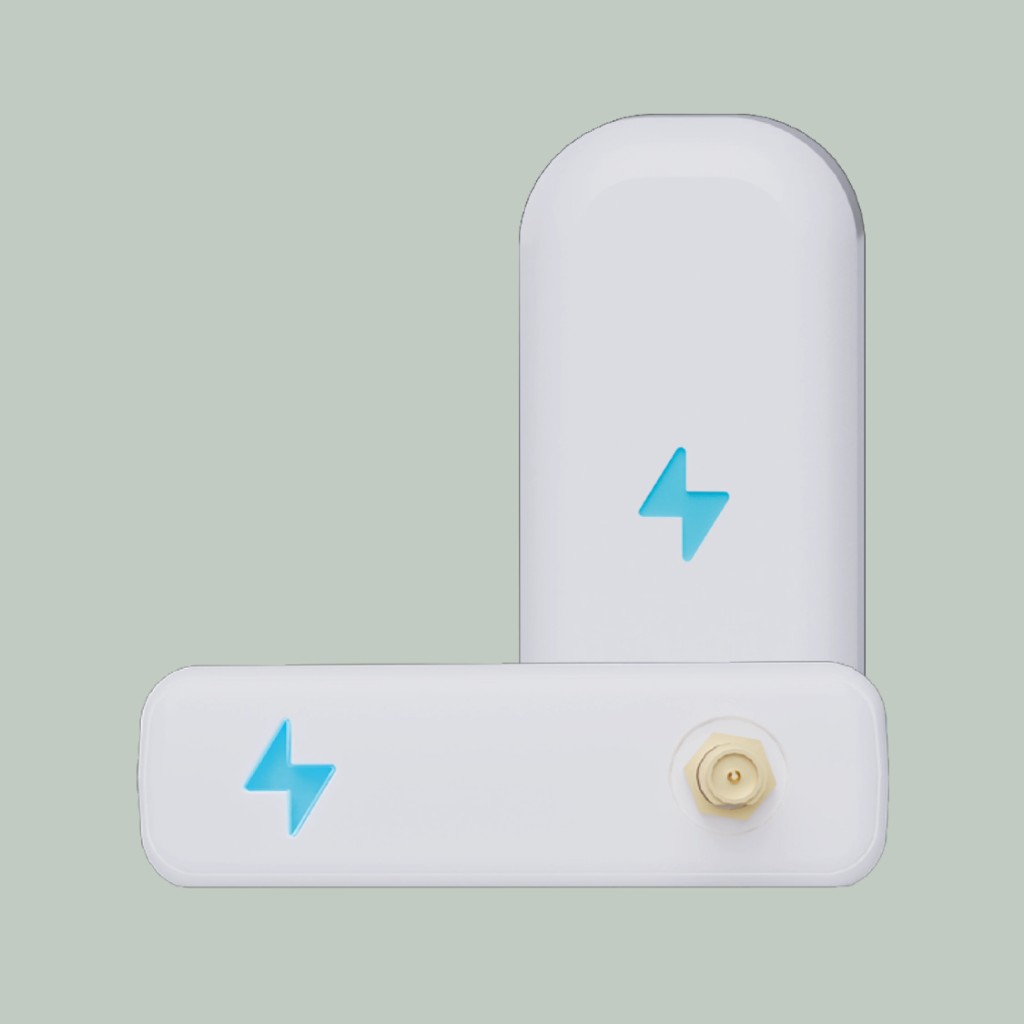
Try power control
Reduce flexible consumption before the home crosses its power limit.
Space / Press to activate power control
A related function
When more customers face power tariffs, showing consumption in a graph is not enough. With power control, the customer can set a limit for hourly average power and choose how the app should act as it approaches.
You can offer customers help keeping hourly average power under a chosen limit and reducing the risk of high power peaks.
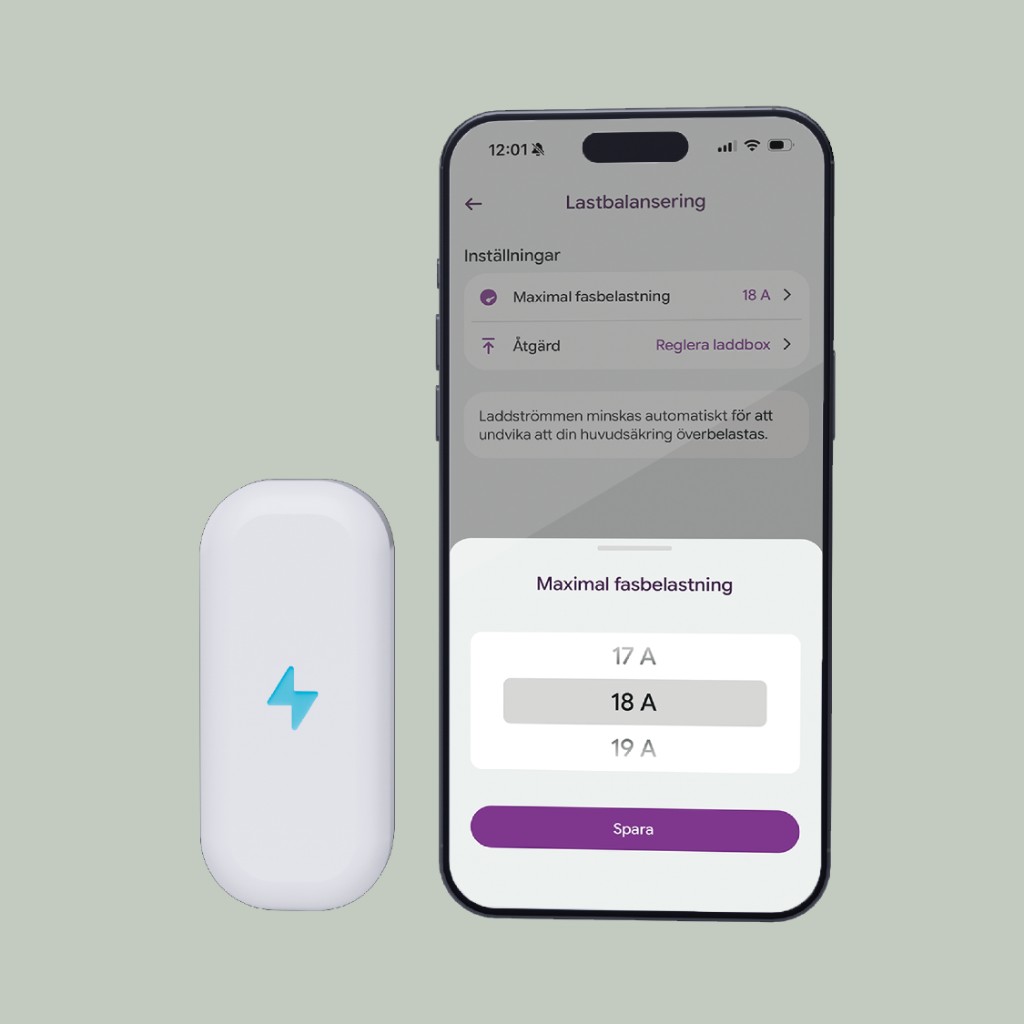
The customer sets the limit and chooses whether charging should reduce automatically or whether the app should send a notification.
If the customer chooses automatic control, charging is reduced when the household approaches the chosen limit. The customer does not need to follow the power while the car charges.
Gustav shows how the customer sets a power limit and action, and how Power Hub provides the readings throughout the hour.
Book a demo